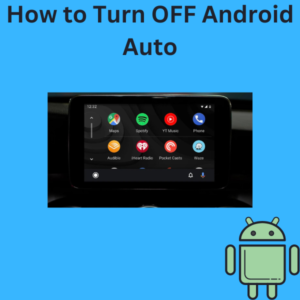
If you find Android Auto more of a distraction than a help, or perhaps you’re simply not using it, knowing how to turn it off can make your driving experience smoother. Android Auto is a great feature for integrating your phone with your car, allowing you to use Google Maps, make phone calls, and control compatible apps hands-free. However, it might be frustrating if it starts automatically every time you connect your phone or if you just prefer a more manual approach to managing your smartphone integration.
In this article, we’ll walk you through the steps to disable Android Auto on your phone, whether it’s connected wirelessly or via a USB cable, and cover how to stop it from automatically starting every time you plug your phone into your car. Let’s dive in!
Continue reading